This Keyword - "behind the scenes" | Javascript

A self-taught Javascript developer pursuing a career as a front-end developer where I can apply my significant knowledge of programming languages and development technologies. I'm passionate about learning and development with a desire to create and maintain a better code base for re-usability.
Introduction
This keyword is an extremely important concept to understand in JavaScript.
This keyword or This variable:- It is a special variable that is created for every execution context and therefore for every function invocation. It's one of the three components of any execution context, along with the variable environment and scope chain.
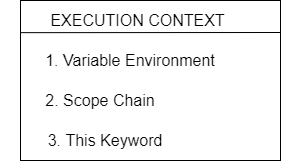
Now, in general terms, this keyword will always take the value of the owner of the function in which this keyword is used. We also say that it points to the owner of that function. And that sounds very abstract, but we will learn what that means in this article.
For now, what's very important to understand is that the value of this keyword is not static. So it's not always the same. It depends on how the function is called. And its value is only assigned when the function is called.
Rules of how this keyword is defined in the action
Let's start by taking a look at this keyword outside of any function.
/* This keyword outside of
    any function in the global scope.  */

console.log(this);
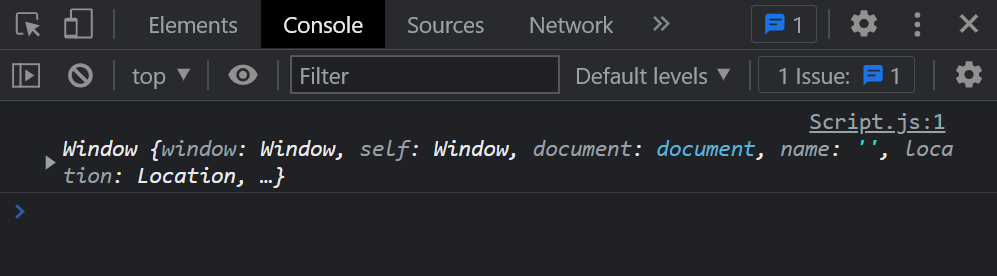
So just outside here in the global scope. And so we get that this keyword in the global scope is simply the window object.
Let's analyse four different ways in which functions can be called
1. Regular function
1.1. Regular function in strict mode
'use strict';

const calcAge = function (birthYear) {
  console.log(2022 - birthYear);
  console.log(this);
};

calcAge(2000);
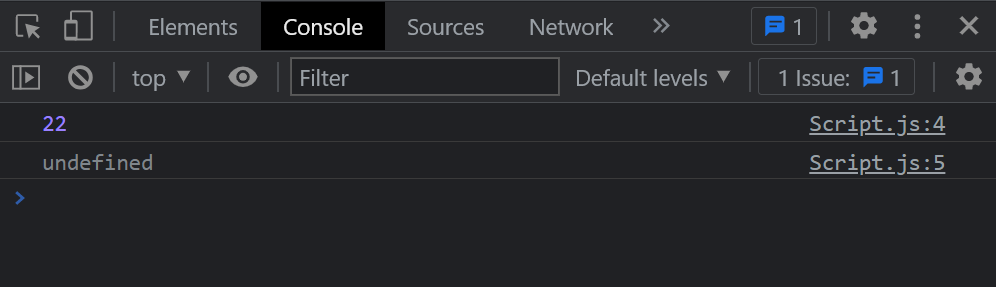
We call the function calcAge here, which is a simple function expression. In this case, this keyword will be undefined. However, that is only valid in strict mode.
1.2. Regular function in sloppy mode
/*  Regular function in sloppy mode  */

const calcAge = function (birthYear) {
  console.log(2022 - birthYear);
  console.log(this);
};

calcAge(2000);
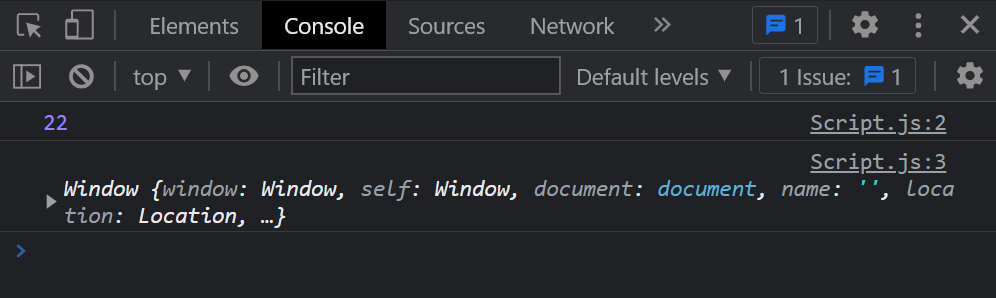
So if you're not in strict mode, this keyword will point to the global object, which in the case of the browser is the window object.
2. Arrow function
'use strict';

const calcAgeArrow = birthYear => {
  console.log(2022 - birthYear);
  console.log(this);
};

calcAgeArrow(2000);
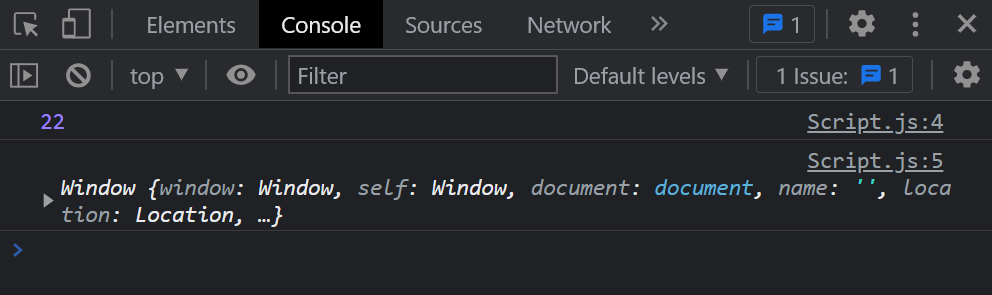
It's an important kind of function that we need to consider, because, remember, arrow functions do not get their own "this keyword".
Instead, if you use the 'this keyword' in an arrow function, it will simply use the lexical this keyword, which means that it uses this keyword of its parent function or its parent scope.
What is the lexical this keyword here? And what is this keyword in the parent's function or the parent's scope of this function? Well, it is a window object because calcAgeArrow's function parent scope is the global scope here, and this keyword in global scope points to a window object.
So never forget this very important property of arrow functions.
3. Function attached to an object
So when we call a method, this keyword inside that method will simply point to the object on which the method is called, or, in other words, it points to the object that is calling the method.
const ravi = {
  name: "Ram",
  year: 2000,
  calcAge: function () {
  /* this keyword inside calcAge method
        point to the object ravi here   */
    return 2022 - this.year;
  },
};

const age = ravi.calcAge();

console.log(age);     // Output 22
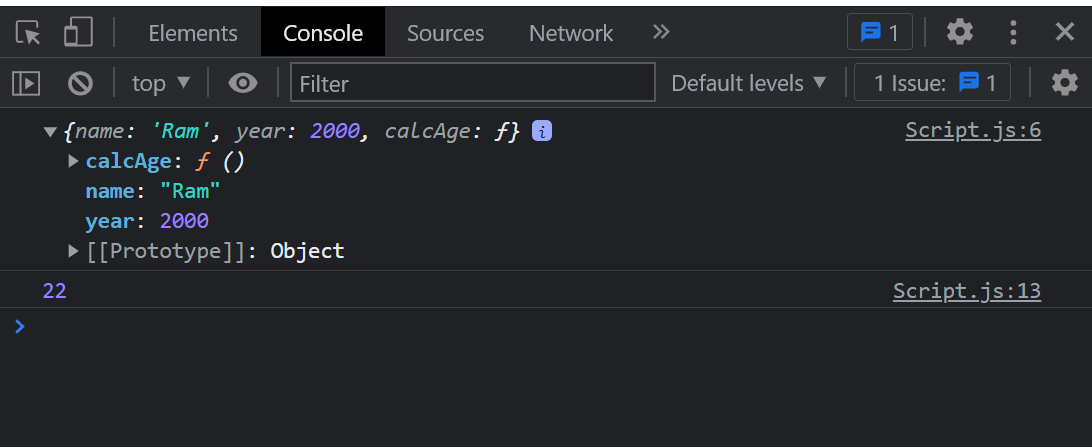
From the above example, as shown, the method here is the calcAge method, again, because it's a function attached to the Ravi object.
We then call the method ravi.calcAge() and as you see inside the method, we used this keyword. Here this keyword points to object ravi. so then, on ravi object, we can access all the properties that it has. And so, this.year will be equal to 2000, because that's ravi.year as well. So in this case, writing "ravi.year" would have the same effect as "this.year".
4. Function as callback function inside an event listener.
This keyword will always point to the DOM element that the event handler function is attached to.
const btnClick = document.querySelector(".btn");

btnClick.addEventListener("click", function () {
  this.innerText = `Button Clicked`;

// this keyword here points to btnClick
 console.log(this);
});
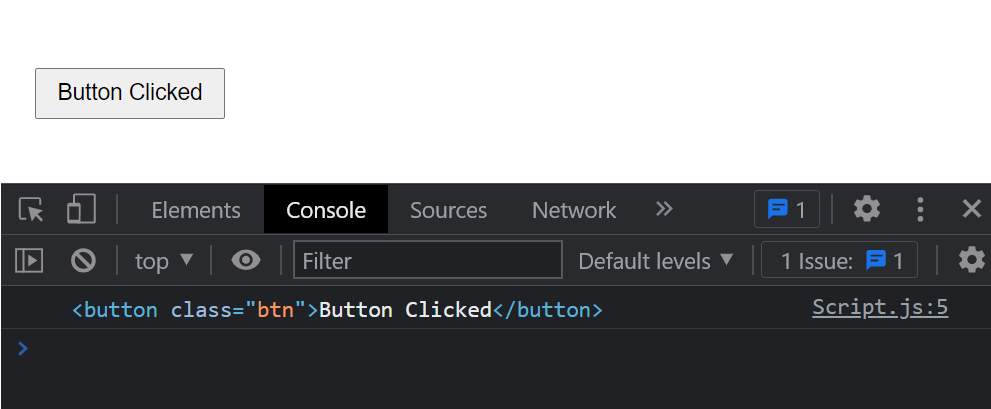
From the above code example, this keyword inside the addEventListener() function's callback function will point to the DOM element to which the event handler is attached to, here btnClick is the DOM element and we have attached the event listener to listen to the click event.
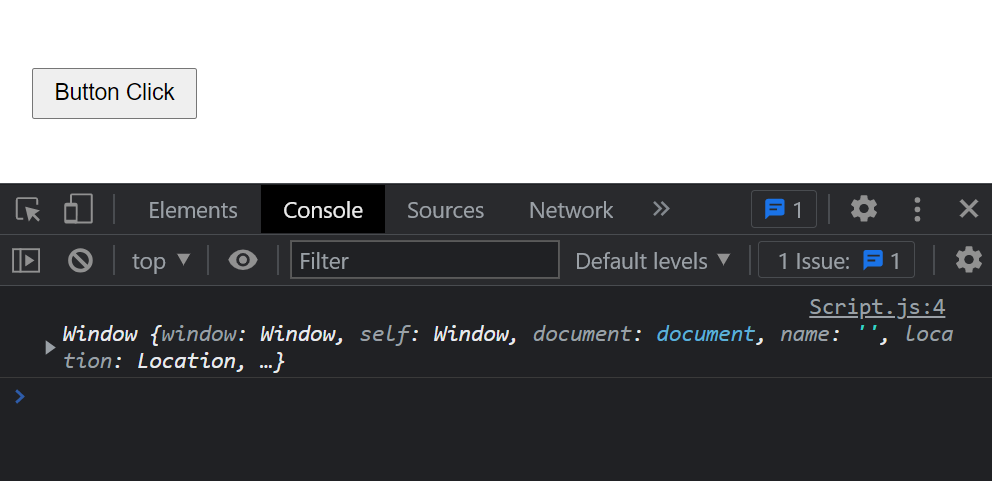
Also, note that the callback function here is just an anonymous function but if this callback function is an arrow function then this keyword will point to its parent scope or parent function and which will be a window object as shown below in the example.
const btnClick = document.querySelector(".btn");

btnClick.addEventListener("click", () => {
  console.log(this);
  this.innerText = `Button Clicked`;
});
Now, this keyword is usually a big source of confusion for beginners. But if you know these rules, then it shall become a lot simpler.